

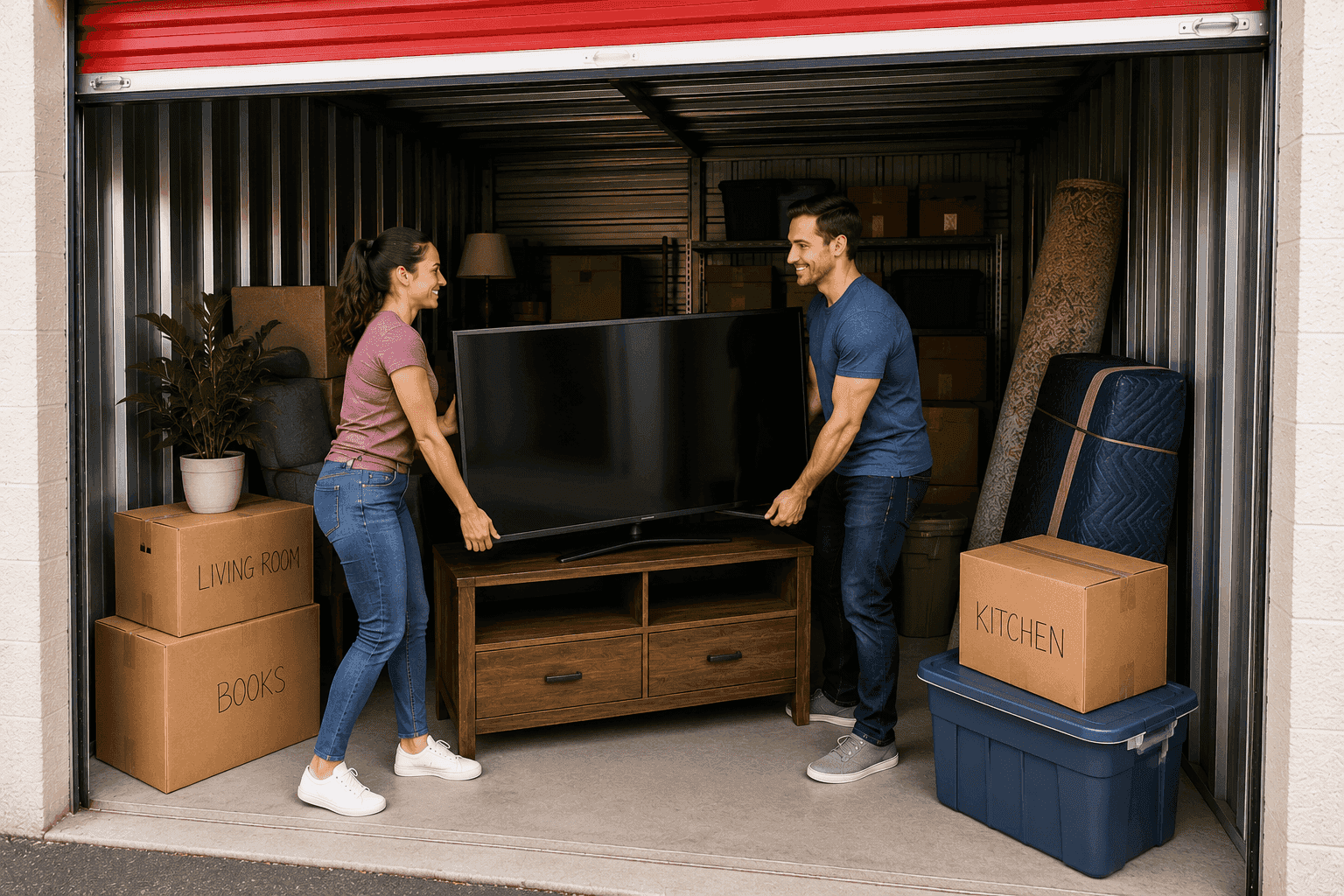
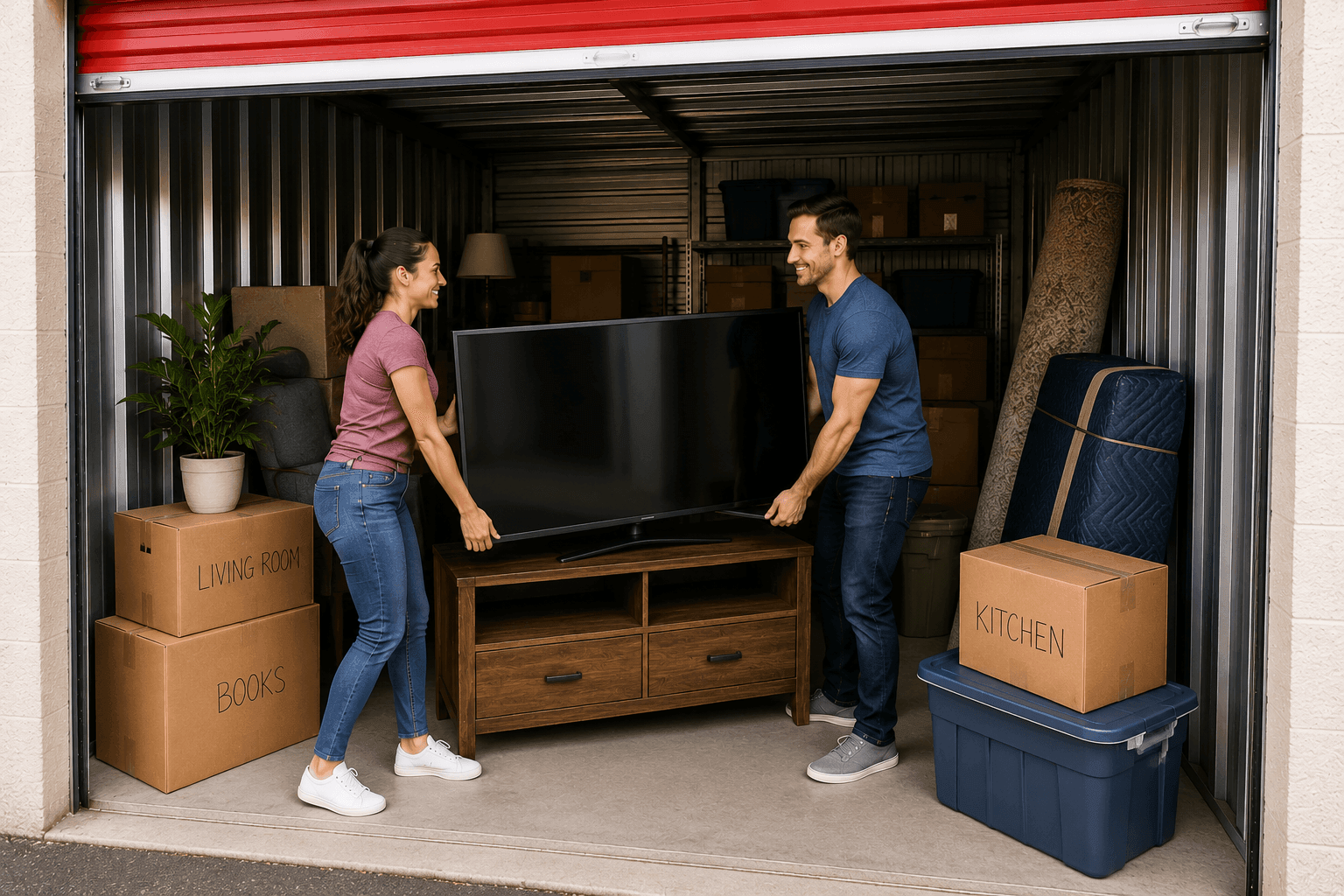
How to Store a TV: The Complete Guide for Flat Screens, OLEDs, and Older Sets
by 10 Federal Storage
Published on July 23, 2026
A television is one of the most expensive things most people own that also happens to be one of the most fragile. A 65-inch flat screen weighs less than 60 pounds, but the panel itself is a laminated sandwich of glass, film, and adhesive that’s only a few millimeters thick. It can survive a decade on your wall and then die in a storage unit over one summer, not because anything dramatic happened to it, but because it was leaned the wrong way, wrapped in the wrong material, or plugged in too soon after a cold winter.
The good news is that TVs store extremely well when you handle a handful of specific things correctly. There’s no expensive equipment involved and no complicated process. There are just a few decisions, how you wrap it, which way it sits, what temperature it lives in, and what you do the day you plug it back in, that separate a TV that comes out of storage looking brand new from one that comes out with a cracked panel, a pressure mark across the screen, or corroded internals that won’t power on.
This guide covers all of it, including the differences between LED, OLED, QLED, plasma, and older CRT sets, because they don’t all tolerate the same conditions.
Table of Contents
- Why Storing a TV Isn’t Like Storing Other Furniture
- TV Types and How Each One Handles Storage
- What You’ll Need to Pack a TV for Storage
- Step 1: Clean and Document Your TV Before Disassembly
- Step 2: Disconnect, Label, and Pack the Accessories
- Step 3: How to Pack a Flat Screen TV
- Can You Store TVs on Their Side?
- Can a TV Be Stored in the Cold?
- Heat and Humidity: The Other Half of the Problem
- Do You Need Climate-Controlled Storage for a TV?
- How to Position Your TV Inside the Storage Unit
- Short-Term vs. Long-Term TV Storage
- How to Bring a TV Out of Storage Safely
- 8 Mistakes That Ruin TVs in Storage
- What Size Storage Unit Do You Need for a TV?
- Frequently Asked Questions About Storing a TV
Why Storing a TV Isn’t Like Storing Other Furniture
Most of what goes into a storage unit is forgiving. A dresser gets scratched and it’s still a dresser. A couch gets dusty and it vacuums off. A television is different in three specific ways, and understanding them makes every other decision in this guide obvious.
The panel carries almost no structural strength. On a modern flat screen, the display itself is a thin laminate held in a frame. That frame, not the glass, is what gives the TV its rigidity, and the frame is engineered to be supported at its edges in a vertical position. Lay the TV flat and the panel has to hold its own weight across an unsupported span. Over hours that’s usually fine. Over months, with anything at all resting on top, it’s how you get pressure marks, uneven backlighting, and cracked panels.
The electronics are exposed to whatever the air is doing. A TV isn’t sealed. Vents on the back exist to release heat during operation, and they let humidity in just as easily during storage. Circuit boards, solder joints, and connector pins corrode when they sit in damp air, and the damage is cumulative and invisible until the day the set won’t turn on.
A cracked panel is effectively a totaled TV. This is the part that surprises people. Replacing a broken panel typically costs a large share of what the TV is worth new, which is why repair shops routinely tell customers it isn’t worth fixing. There is no partial damage with a screen, it works or it doesn’t. That asymmetry is why it’s worth spending twenty extra minutes packing it properly.
TV Types and How Each One Handles Storage
“Flat screen” covers several very different display technologies, and they don’t all have the same tolerances. Here’s what actually changes based on what you own.
LED and LCD TVs (the most common type)
Nearly every budget and mid-range TV sold in the last fifteen years is an LCD panel with LED backlighting. The panel contains a layer of liquid crystal fluid sandwiched between glass. That fluid is the reason these sets have real temperature limits, it thickens in serious cold and can behave unpredictably in serious heat.
- Storage position: Upright, always. The backlight assembly behind the panel is a stack of layers that can shift and pool if the set sits flat for an extended period.
- Biggest risk: Pressure damage from stacking, and condensation from temperature swings.
- Verdict: Stores well in climate-controlled space, poorly in an uninsulated garage or attic.
OLED TVs
OLED panels use organic compounds that light up individually, with no backlight layer at all. That makes them dramatically thinner, and thin is exactly the problem in storage. Many OLED sets are only a few millimeters thick across most of the panel, with the electronics housed in a thicker section at the bottom.
- Storage position: Upright, without exception. An OLED panel laid flat has essentially no resistance to flexing.
- Biggest risk: Flexing and bending stress. Also moisture, the organic layers in an OLED are sensitive to moisture ingress over time.
- Verdict: The strongest case in this entire list for climate-controlled storage and for keeping the original box if you still have it.
QLED, Mini-LED, and QNED TVs
These are LCD panels with upgraded backlight technology, so from a storage standpoint they behave like LED/LCD sets. The main practical difference is that they tend to be premium, large-format models, which means they’re heavier, more awkward to move, and more expensive to replace. Treat them like an LED TV, but with an extra person helping you carry it.
Plasma TVs
If you still own a plasma, this section matters more than any other in the guide. Plasma panels contain cells of ionized gas between two glass sheets. Manufacturers have long warned against transporting or storing them flat, because the panel is heavy, unsupported across the middle when horizontal, and prone to cracking under its own weight.
- Storage position: Vertical only. Never flat, never even briefly.
- Biggest risk: Panel cracking from being laid down, and cold sensitivity, plasma sets generally have narrower temperature tolerances than LCDs.
- Verdict: Climate control strongly recommended. These aren’t made anymore, so a cracked one can’t be replaced with an equivalent.
CRT (tube) TVs
Old-school tube televisions are heavy, deep, and built like tanks, the cabinet itself is structural, so the panel-flexing concerns don’t apply. The vulnerability is different: the neck of the picture tube at the rear is the weak point, and it doesn’t like impact or being used to bear weight.
- Storage position: Sitting normally on its base, screen facing out. Never resting on the back where the tube neck is.
- Biggest risk: Impact damage, and moisture on the internal high-voltage components.
- Verdict: Tolerates rough conditions better than a flat screen, but still needs a dry environment.
Projectors and short-throw laser TVs
Not technically televisions, but they end up in storage units for the same reasons. The critical points are letting the unit cool completely before packing, capping or covering the lens, and keeping the whole thing out of dusty conditions, dust on an internal optical path shows up as permanent spots on the projected image.
What You’ll Need to Pack a TV for Storage
You can pack a TV properly for around $30 to $60 in materials, or for nothing at all if you kept the original box. Here’s the full list:
- The original box and foam inserts, if you have them, stop reading this list. Nothing else protects a TV as well, because the foam was molded specifically for your model.
- A TV moving box or adjustable TV kit, telescoping cardboard boxes with foam corner blocks, sized by screen diagonal. The best purchase you can make if the original box is gone.
- A moving blanket or furniture pad, the first layer against the screen. Breathable, soft, and won’t imprint.
- Bubble wrap, for the outer layer, bubbles facing away from the screen.
- Foam corner protectors, corners take the impact in almost every drop.
- Packing tape, for the box only, never on the TV itself.
- Resealable plastic bags, for cords, screws, remotes, and the wall-mount hardware.
- Permanent marker and labels, label the box on all four sides, plus “FRAGILE, THIS SIDE UP.”
- Microfiber cloth and distilled water or screen cleaner, for the pre-storage cleaning.
- Silica gel desiccant packs, cheap insurance against ambient moisture, especially for long-term storage.
- A pallet, shelf, or a couple of 2x4s, to get the box off the concrete floor.
What not to use: newspaper (ink transfers), packing peanuts as the only cushioning (they migrate and leave the TV unsupported), and shrink wrap or plastic sheeting directly against the set (it seals moisture in rather than keeping it out).
Step 1: Clean and Document Your TV Before Disassembly
Dust that goes into storage on a screen doesn’t stay loose dust. It absorbs ambient moisture, bonds to the anti-glare coating, and comes out months later as a haze that no longer wipes off. Two minutes of cleaning now prevents that entirely.
To clean the screen safely:
- Unplug the TV and let it cool for at least 15 minutes. Cleaning a warm screen can leave streaks that set.
- Wipe gently with a dry microfiber cloth, using light pressure in straight passes rather than circles. Modern screens are coated, and pressure is what damages them.
- For anything that doesn’t lift dry, lightly dampen the cloth with distilled water or a screen-safe cleaner. Never spray anything directly onto the TV, liquid runs down into the bezel and reaches the electronics.
- Skip glass cleaner, alcohol, ammonia, and paper towels. All four are common causes of permanently clouded or scratched anti-glare coatings.
- Dust the vents and ports on the back with a dry cloth or a can of compressed air held upright and at a distance.
Then document everything before you unplug a single cable. Take clear photos of the back of the TV showing exactly which cable goes into which port, a photo of the whole setup, and a close-up of the model and serial number plate. That serial number matters for two reasons: it’s what a manufacturer will ask for if you need warranty service later, and it’s what an insurance claim needs if the TV is ever damaged or stolen. Store the photos somewhere you’ll actually find them, a shared album or a note titled with the storage unit number works better than the camera roll.
Step 2: Disconnect, Label, and Pack the Accessories
The single most common storage regret with a TV isn’t damage, it’s pulling the set out six months later and having no idea where the stand screws went. Handle this deliberately:
- Label each cable as you remove it. A strip of masking tape with “soundbar,” “cable box,” or “HDMI 2” written on it takes five seconds and saves twenty minutes later.
- Coil cables loosely. Tight wraps and sharp bends damage internal conductors over time. Loose loops secured with velcro ties or twist ties, never rubber bands, rubber degrades and fuses to cable jackets in heat.
- Remove the stand or legs and bag the screws immediately. Tape the bag to the underside of the stand itself, not to the TV.
- Take the batteries out of the remote. Alkaline batteries left in a device for months in a warm space leak, and the corrosion ruins the contacts. This one detail kills more remotes than anything else.
- Pack the wall-mount bracket and its hardware together in a separate labeled bag if you were wall-mounted. Mount hardware is model-specific and annoying to replace.
- Put accessories in their own small box rather than inside the TV box. Loose items shifting around inside a TV carton are a direct impact risk to the screen.
If you’re packing a full entertainment center at the same time, the same logic applies to game consoles, streaming boxes, and receivers, keep each device with its own power supply, since third-party power bricks are rarely interchangeable.
Step 3: How to Pack a Flat Screen TV
This is the part most people rush and later regret. Work on a soft surface, a carpeted floor or a bed, and have a second person for anything 50 inches or larger.
If you have the original box
- Set the foam end caps on both sides of the TV exactly as they came.
- Slide the TV into the box screen-side in the orientation marked on the carton.
- Seal the box and re-mark the arrows if they’ve faded.
That’s it. The molded foam is doing all the work and you can’t improve on it.
If you don’t have the original box
- Cover the screen first with something soft and breathable. A moving blanket, furniture pad, or foam screen protector goes directly against the display. This layer prevents both scratching and imprinting.
- Add bubble wrap over the blanket, bubbles facing outward. Bubble wrap pressed directly against a screen can leave a dimpled pattern on the coating if it sits in a warm unit for months, which is why the soft layer goes first.
- Protect the corners. Foam corner blocks or folded cardboard on all four corners. Corners are where impact damage concentrates.
- Secure the wrapping with tape that only touches tape, never the TV’s frame, bezel, or screen. Adhesive residue on a bezel is difficult to remove without solvents you shouldn’t bring near a display.
- Box it. A telescoping TV moving kit is ideal. If you’re using an oversized box instead, fill every void with soft material so the TV cannot shift, a TV that slides an inch inside a box during transport is a TV that hits a corner.
- Tape the box closed and label all four sides with “FRAGILE,” “THIS SIDE UP,” and the screen size. Draw arrows. If anyone else ever touches this box, the arrows are what protect it.
One critical note on boxing: a box only protects a TV if the TV is snug inside it. An unpadded TV rattling around in a too-large carton is more dangerous than a well-wrapped TV with no box at all.
Can You Store TVs on Their Side?
This is the question people search most often, and it deserves a precise answer, because “on its side” means two completely different things.
Flat on its back (screen facing the ceiling)
No. This is the position that damages televisions. When a flat screen lies horizontally, the panel has to support its own weight across an unsupported span, and modern panels are not designed for that load. On top of that, a horizontal TV is an irresistible surface, boxes, blankets, and bins end up stacked on it, and even light weight distributed over a panel for months produces pressure marks, backlight bleed, or outright cracks. Plasma sets in particular can crack from being laid flat with nothing on them at all.
The one exception is brief and supervised: sliding a TV flat into its original box during packing, where the molded foam supports it, is fine. Leaving it flat in a unit for weeks is not.
Rotated onto its narrow edge (portrait orientation)
Also no, for long-term storage. Standing a TV on its short edge concentrates the entire weight of the panel onto a small section of frame that wasn’t engineered to carry it, and it puts the internal component board in an orientation it wasn’t designed for. Short moves in a vehicle where it’s braced and padded are survivable. Months in a unit are asking for trouble.
The correct answer: upright, in its normal viewing orientation
Store the TV the way it sits on a stand, vertical, in landscape orientation, with the weight carried by the bottom edge of the frame the way the engineers intended. Then:
- Lean it slightly against a wall or a solid surface so it can’t tip. A five-degree lean into a padded wall is far safer than freestanding.
- Face the screen toward the wall if it’s not boxed, so the back of the set takes any accidental contact.
- Brace it with a strap, a heavy box on either side, or a shelving upright so nothing can knock it over.
- Never stack anything on top of it, not a pillow, not a lampshade, not an empty box. Nothing.
If your unit is packed tightly and space is at a premium, a boxed TV standing upright against the side wall of the unit, with soft items on either side of it and nothing on top, is the arrangement that survives.
Can a TV Be Stored in the Cold?
Short answer: a TV can survive moderate cold, but it should not be stored in freezing conditions, and it must never be powered on while cold. The details matter here because the damage from cold usually doesn’t happen while the TV is cold, it happens when it warms back up.
What cold actually does to a television
Liquid crystal fluid thickens. LCD and LED panels contain a liquid layer, and like any fluid, it becomes viscous as temperature drops. Push it far enough below freezing and the response of the display degrades. In extreme cases, freezing and thawing can cause the fluid to separate or leave permanent discoloration in the panel.
Materials contract at different rates. A TV is glass, plastic, metal, and adhesive bonded together. Each of those shrinks at a different rate in the cold, and repeated deep freeze-thaw cycles over a winter put real stress on those bonds, particularly on the adhesive layers within the panel stack.
Capacitors and batteries suffer. Electrolytic capacitors lose capacity in sustained cold, and any small backup battery in the set discharges faster.
Condensation forms during the warm-up. This is the big one. When a cold TV is brought into a warm room, moisture in the warm air condenses on the cold surfaces, including internal circuit boards. Power it on with condensation inside and you can short it instantly. This is the single most common way people destroy a TV that survived storage perfectly well.
Practical temperature guidance
- Ideal storage range: roughly 50°F to 80°F, which is what a climate-controlled unit maintains.
- Generally acceptable: most manufacturers publish a storage range that extends meaningfully below freezing, often to around -4°F. Check your manual for your specific model, these numbers vary by brand and technology.
- Avoid: sustained sub-freezing temperatures, and anywhere the temperature swings dramatically between day and night. The swings are more damaging than a stable cold.
- Never operate below: about 32°F. Operating ranges are much narrower than storage ranges, typically around 32°F to 100°F, and powering on a cold set is where damage occurs.
The takeaway for anyone in a region with real winters: an unheated garage, a detached shed, or a non-climate-controlled unit in a cold climate is survivable for a few weeks but is a poor choice for a full winter, especially for an OLED or plasma set. If you’re storing through a Northeast or Midwest winter, climate control is the difference between a stored TV and a gamble.
Heat and Humidity: The Other Half of the Problem
Cold gets the search traffic, but in most of the country heat and humidity destroy more stored electronics than cold ever does. An uninsulated garage or metal storage building in the Southeast can exceed 120°F on a summer afternoon, well beyond what any television is rated to tolerate.
What sustained heat does:
- Adhesive layers soften. The optical adhesives bonding a panel’s layers together can loosen, producing separation, bubbling, or discolored patches that are permanent.
- Capacitors degrade. Heat is the primary killer of electrolytic capacitors, and a TV that spent two summers in a hot attic often powers on fine and then fails within months of returning to service.
- Plastic housings warp and can distort the frame that holds the panel square.
- Cable insulation gets sticky and can fuse to whatever it’s pressed against.
What humidity does:
- Corrosion on solder joints and connector pins, slow, invisible, and eventually fatal.
- Mold and mildew in the vents, on the speaker cloth, and on any fabric wrapping.
- Moisture ingress into the panel stack, which shows up as cloudy patches or dark blotches near the edges of the screen.
The target for stored electronics is roughly 30% to 50% relative humidity. Above 60% sustained, corrosion accelerates noticeably. This is why silica gel packets inside the box are worth the couple of dollars they cost, and why sealing a TV in plastic is a mistake, plastic that isn’t vacuum sealed traps humid air against the set and holds it there.
Do You Need Climate-Controlled Storage for a TV?
Here’s an honest framework rather than a blanket “yes.”
Climate control is worth it if any of these apply:
- You’re storing for longer than about two months.
- The storage period spans a summer or a winter.
- You live somewhere with high humidity or extreme seasonal temperatures.
- The TV is an OLED, a plasma, or a large premium model.
- The TV is worth more than a few hundred dollars to replace.
- You’re storing other electronics, instruments, photos, or wood furniture alongside it, all of which benefit from the same conditions.
Standard storage is probably fine if:
- You’re storing for a few weeks during a move or renovation.
- You’re in a mild climate with stable temperatures.
- The TV is an older or lower-value set you’d replace without much pain.
The math tends to be straightforward. Climate control typically adds a modest amount per month to a unit’s rate. Against the cost of replacing a mid-size flat screen, a handful of months of that premium is inexpensive protection, and it protects everything else in the unit at the same time.
How to Position Your TV Inside the Storage Unit
Where the TV goes inside the unit matters nearly as much as how it’s packed. A perfectly packed TV in a bad spot still gets damaged.
- Get it off the floor. Concrete wicks moisture and stays cold, and floors are where water goes in the rare event of a leak. A pallet, a shelf, a couple of 2x4s, or even a sheet of rigid foam under the box solves this.
- Load it last, near the door. A TV shouldn’t be buried behind everything else. If you need to get into the unit for something, you don’t want to be climbing over a television to reach it.
- Put it against a side wall, upright, braced by heavy stable items on either side, not by anything that could shift or roll.
- Keep it away from the door. Exterior-facing walls and roll-up doors see the biggest temperature swings and are where any wind-driven moisture appears.
- Leave breathing room. Don’t press the TV flat against a wall with no airflow. A few inches of clearance helps prevent moisture from being trapped.
- Nothing on top. Ever. Worth repeating, because it’s the mistake that happens on the last trip when you’re tired and looking for one more flat surface.
If your unit has shelving, the ideal setup is a TV standing upright on the floor next to the shelving, secured with a bungee or strap to the shelf upright so it physically cannot tip.
Short-Term vs. Long-Term TV Storage
How long the TV will sit changes what’s worth doing.
Short-term (under 3 months)
- Wrapping and boxing still matter, most damage happens during handling, not sitting.
- Climate control is a nice-to-have unless the period covers peak summer or deep winter.
- Skip the desiccant packs unless you’re somewhere very humid.
- A dust cover and an upright position may be enough if the space is indoors and conditioned.
Long-term (3 months to several years)
- Climate control moves from optional to strongly recommended.
- Add silica gel packs and refresh or replace them if you visit the unit.
- Remove batteries from every remote and accessory without exception.
- Consider whether the TV is worth storing at all. A five-year-old mid-range set may cost more in accumulated rent over three years than it would cost to replace, run that math before you load it in.
- Add the TV to your storage insurance inventory with its model and serial number and a photo.
- If you can visit, check on it once or twice a year for any sign of moisture or pest activity in the unit.
How to Bring a TV Out of Storage Safely
Almost every guide stops at “put the TV in the unit.” The retrieval is where a surprising number of TVs actually die, and the fix costs nothing but patience.
- Move it upright, the same way it was stored. Don’t lay it flat in the car because it fits better that way.
- Let it acclimate before unboxing. Bring the sealed box inside and leave it closed for several hours, overnight is better, and a full 24 hours is the safe standard if the TV came out of genuinely cold or hot conditions. Leaving it boxed lets the temperature equalize gradually instead of hitting the cold glass with warm room air all at once.
- Unbox and inspect before plugging anything in. Look for moisture, condensation on the screen or inside the bezel, warping, cracks, or any sign of pests or nesting in the vents.
- Wait for any visible condensation to fully evaporate. If you see any at all, give it another several hours in a dry room before proceeding.
- Wipe the screen and blow out the vents before the first power-on.
- Power on and run a check. Look for dead pixels, discoloration, uneven backlighting, lines, and blotches. Check that the audio works and that every input registers a signal.
- Expect a software update. A smart TV that’s been offline for months will want to update its firmware and re-authenticate every app. Budget an hour for that before you plan a movie night.
If you take one thing from this guide, make it this step. Powering on a cold TV before it has fully acclimated is the most common self-inflicted TV storage failure there is, and it happens to people who did everything else right.
8 Mistakes That Ruin TVs in Storage
- Laying it flat. The number one cause of cracked panels and pressure damage in storage.
- Stacking anything on top of it. Even soft, even light, even briefly.
- Sealing it in plastic. Traps humid air against the electronics and holds it there for months.
- Taping directly to the screen or bezel. Adhesive residue on a display coating is difficult to remove without risking damage.
- Storing it in an unconditioned attic or garage through a season. The temperature extremes there are far outside what any TV is rated for.
- Leaving batteries in the remote. Leaked alkaline corrodes contacts and ends the remote.
- Setting it directly on concrete. Cold, damp, and the first place water reaches.
- Plugging it in immediately on retrieval. Condensation plus current equals a short.
What Size Storage Unit Do You Need for a TV?
A television takes up almost no floor space when stored correctly, it’s a vertical, flat item that lives against a wall. The real question is what else is going with it.
- Just the TV and a few boxes: A 5x5 unit handles a boxed flat screen up to about 65 inches standing against the side wall, plus a stack of boxes and the accessories.
- A TV plus a bedroom or a home office: A 5x10 gives you room to keep the TV upright and accessible near the door while the rest of the unit fills in behind it.
- An entire living room, TV, media console, couch, and shelving: A 10x10 unit is the standard fit, and it gives you enough space to keep the TV isolated from the heavy furniture rather than wedged against it.
- A full house or a long-term move: A 10x20 or larger lets you build a proper aisle, which is what keeps a TV from getting bumped every time you retrieve something else.
The practical advice regardless of size: don’t size down to the point where the TV has to be wedged in or laid flat to fit. That’s a false economy, and it’s exactly how a $900 television becomes scrap.
Store Your TV the Right Way with 10 Federal Storage
Whether you’re between homes, renovating a living room, or clearing space for something new, your television deserves better than a garage corner. Climate-controlled storage keeps temperature and humidity in the range electronics actually tolerate, no freeze-thaw cycles, no 120-degree summer afternoons, no damp air working on the circuit boards month after month.
10 Federal Storage offers clean, secure, climate-controlled units with contactless rental and 24/7 access, so you can drop off a TV on your schedule and pick it up on your schedule. No lines, no office hours, no waiting.
Frequently Asked Questions About Storing a TV
Can you store a TV on its side?
Not for any meaningful length of time. Both laying a TV flat on its back and standing it on its narrow edge put stress on a panel that was designed to be supported in landscape orientation. Store it upright the way it sits on a stand, leaned slightly against a padded wall and braced so it can’t tip.
Can a TV be stored in the cold?
It can tolerate moderate cold, but sustained freezing conditions aren’t recommended, and a TV should never be powered on while it’s cold. Most manufacturers list a storage range that reaches below freezing while listing a much narrower operating range that starts around 32°F. The bigger risk is condensation when the TV warms up, always let it return to room temperature in its box for several hours, ideally 24, before plugging it in.
How long can a TV sit in storage without being used?
A television stored properly in stable, dry conditions can sit for years without issue. The failures come from the environment, not from disuse. Deteriorating capacitors from heat and corroding contacts from humidity are the two real long-term risks, and climate control addresses both.
Do I need the original box to store a TV?
No, though it’s the best option because the molded foam was made for your exact model. A telescoping TV moving box with foam corner blocks is a close second and costs far less than a repair. What matters most is that the TV is padded, snug, and unable to shift inside whatever it’s in.
Should I wrap my TV in plastic before storing it?
Not directly against the set. Non-vacuum-sealed plastic traps humid air against the electronics. Use a moving blanket or furniture pad as the first layer instead, then bubble wrap with the bubbles facing outward, then a box. If you want a dust barrier, drape a breathable cover loosely over the outside of the box.
Can I store a TV in my garage or attic?
For a couple of weeks, probably. For a season, no. Unconditioned garages and attics routinely swing from below freezing to well over 120°F, which is outside what any television is rated to handle, and both spaces tend to be humid and attractive to pests. If you’re storing longer than a few weeks, a climate-controlled unit is a meaningfully better environment.
Is it safe to store a TV mounted on a wall bracket?
Remove the bracket. A mounted TV puts all its weight on a few bolt points, and a bracket left attached during transport catches on things and torques the mounting holes on the back of the set. Bag the bracket and its hardware separately and label the bag.
What about storing soundbars, consoles, and streaming devices with the TV?
Same principles apply. Keep each device with its own power supply, remove all batteries, avoid tight cable coils, keep everything off the floor, and store in the same climate-controlled space. Speakers in particular don’t like humidity, the cone material and surrounds can degrade in damp conditions.
Does storage insurance cover a damaged TV?
It depends entirely on the policy and the cause of the damage. Most tenant protection plans cover named perils rather than every possible cause, and damage from improper packing is commonly excluded. Photograph the TV and its serial number before storing it, keep the photos, and read what your policy actually covers before you assume the TV is protected.
Should I store an old TV at all?
Worth thinking about honestly. If the set is more than seven or eight years old and worth a couple hundred dollars, the accumulated rent over a long storage period can exceed what it would cost to replace. Storage makes clear sense for newer, larger, and premium sets, and for anything you have a specific plan to use again.
About the Author
10 Federal Storage
Our team at 10 Federal Storage has been in the self storage industry for decades. With knowledge gained from multiple universities and in the field, we are well-prepared and excited to assist with your storage needs. When you rent a unit with us, you can feel confident that our seasoned customer service team’s help will make your transition as seamless as possible. Customer satisfaction is our number one priority, and we strive to make your experience exceptional with our automated leasing options, diverse unit sizes, and a strong commitment to sustainability.